Zone Training Log
Your workouts. Your progress. Your next move.
All in one training log.

Free to start. AI training plans with Premium.
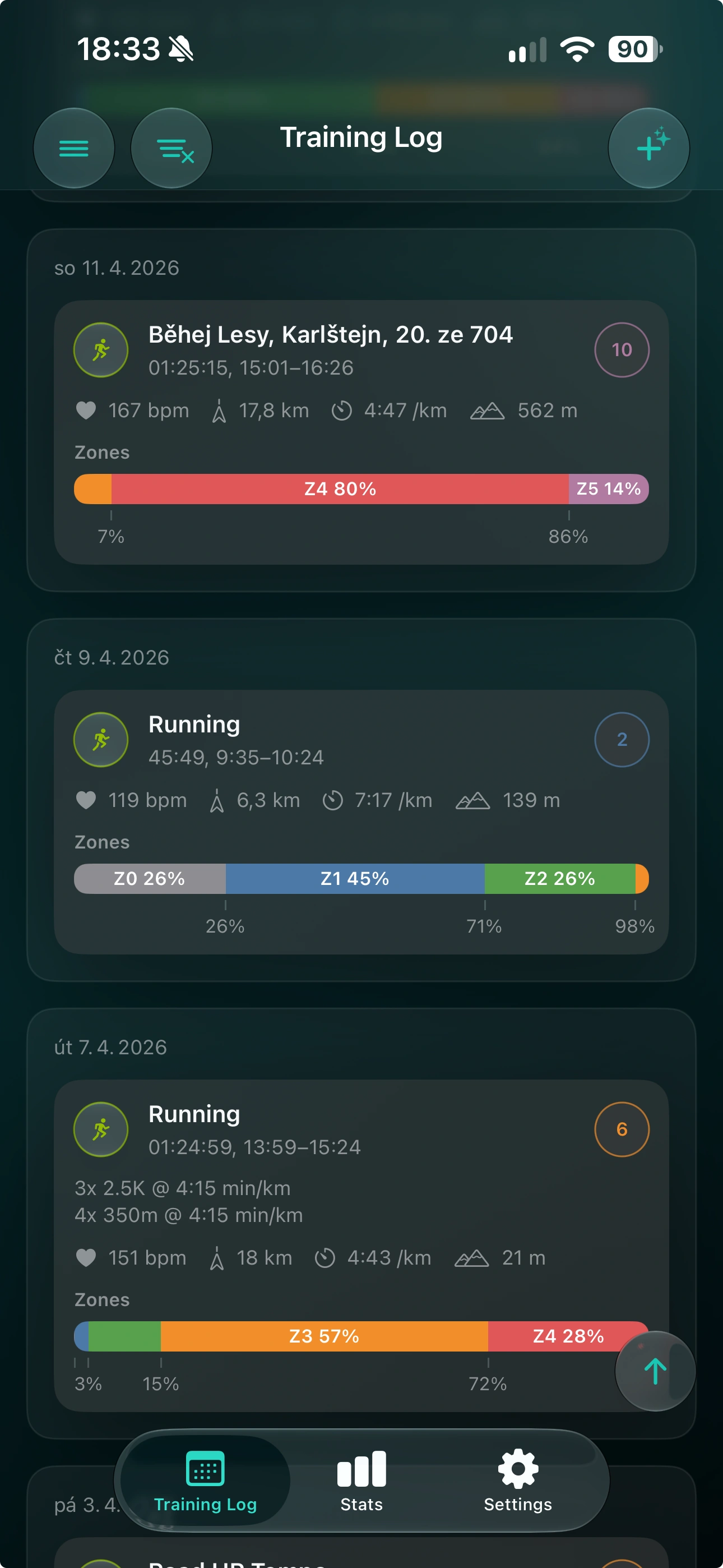
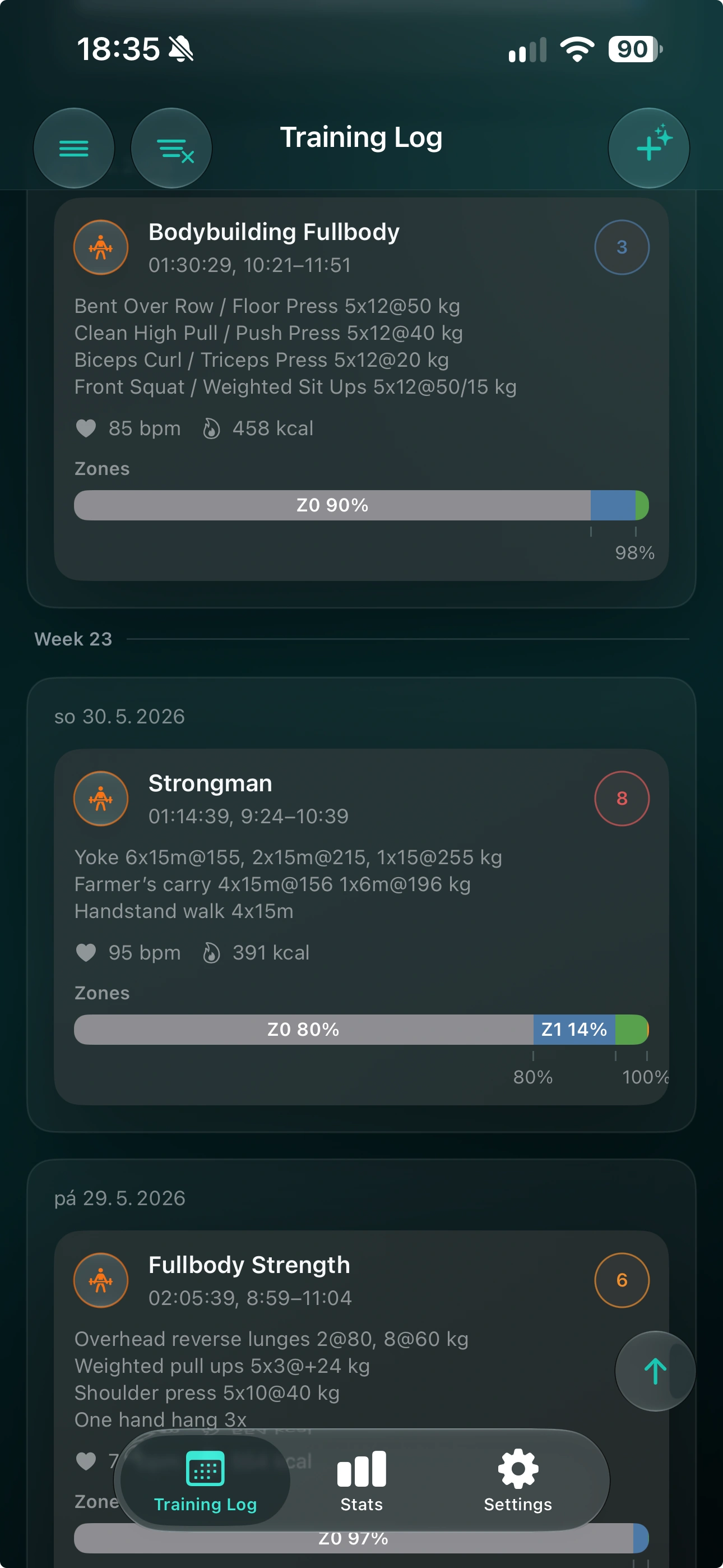
A closer look
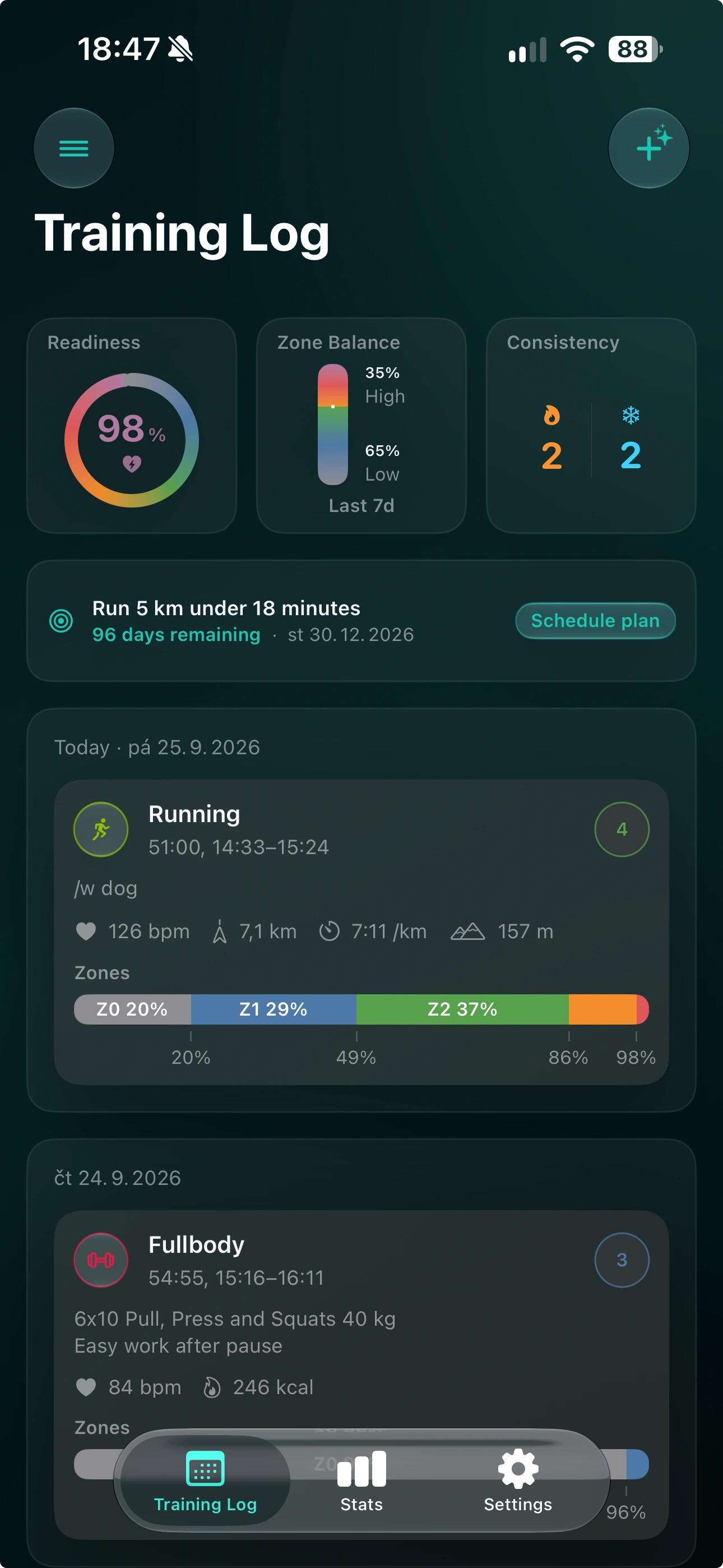
Your workouts, readiness, goals, and progress. One place to see it all.
From your watch. Through your health app. Into Zone.
Share workouts from Apple Watch with Apple Health. Zone reads them from there.
Choose your source above. Available metrics and sharing steps depend on your watch and source app.
See where your effort goes. Make every zone your own.
Heart rate, effort, distance, and time in zones. Every workout tells a story.
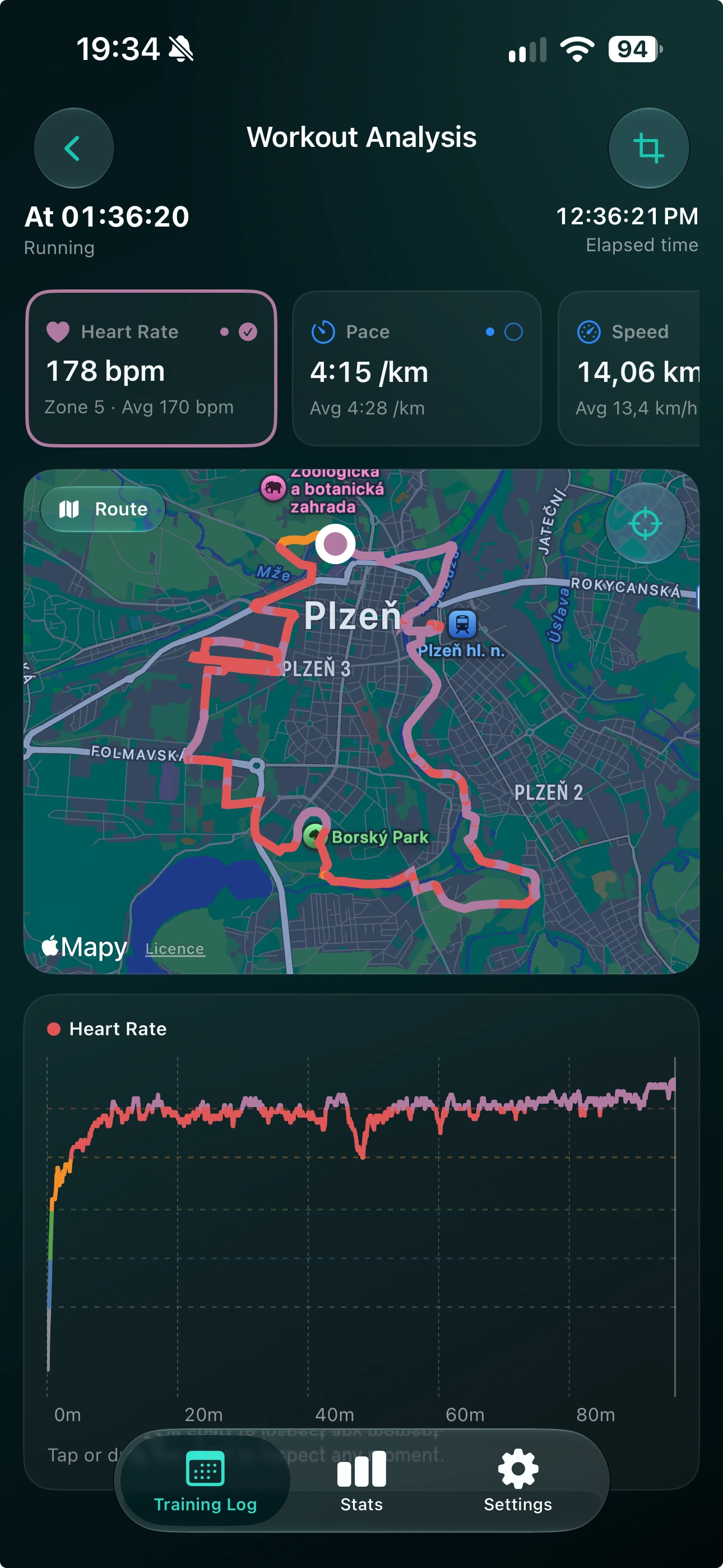
Explore your activities, training trends, and time in every zone.
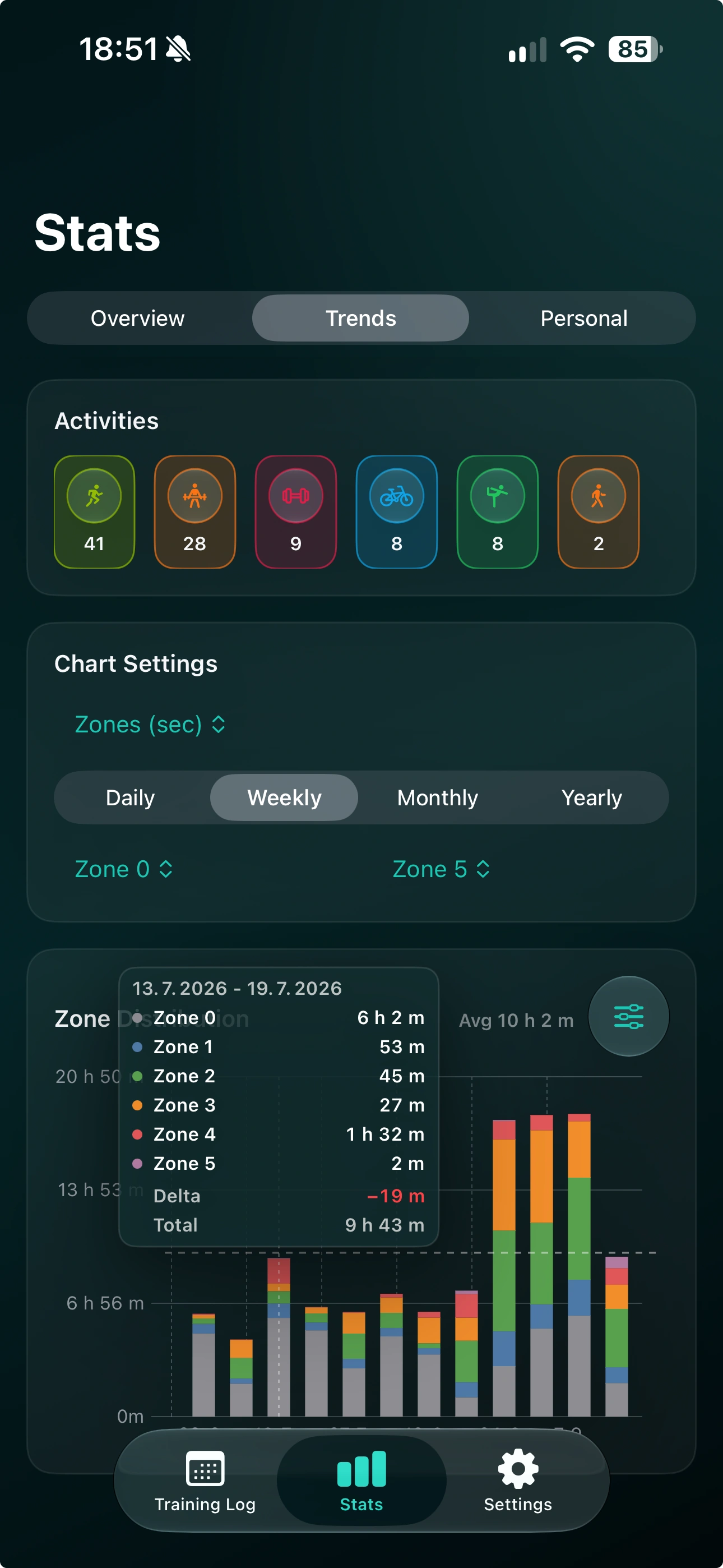
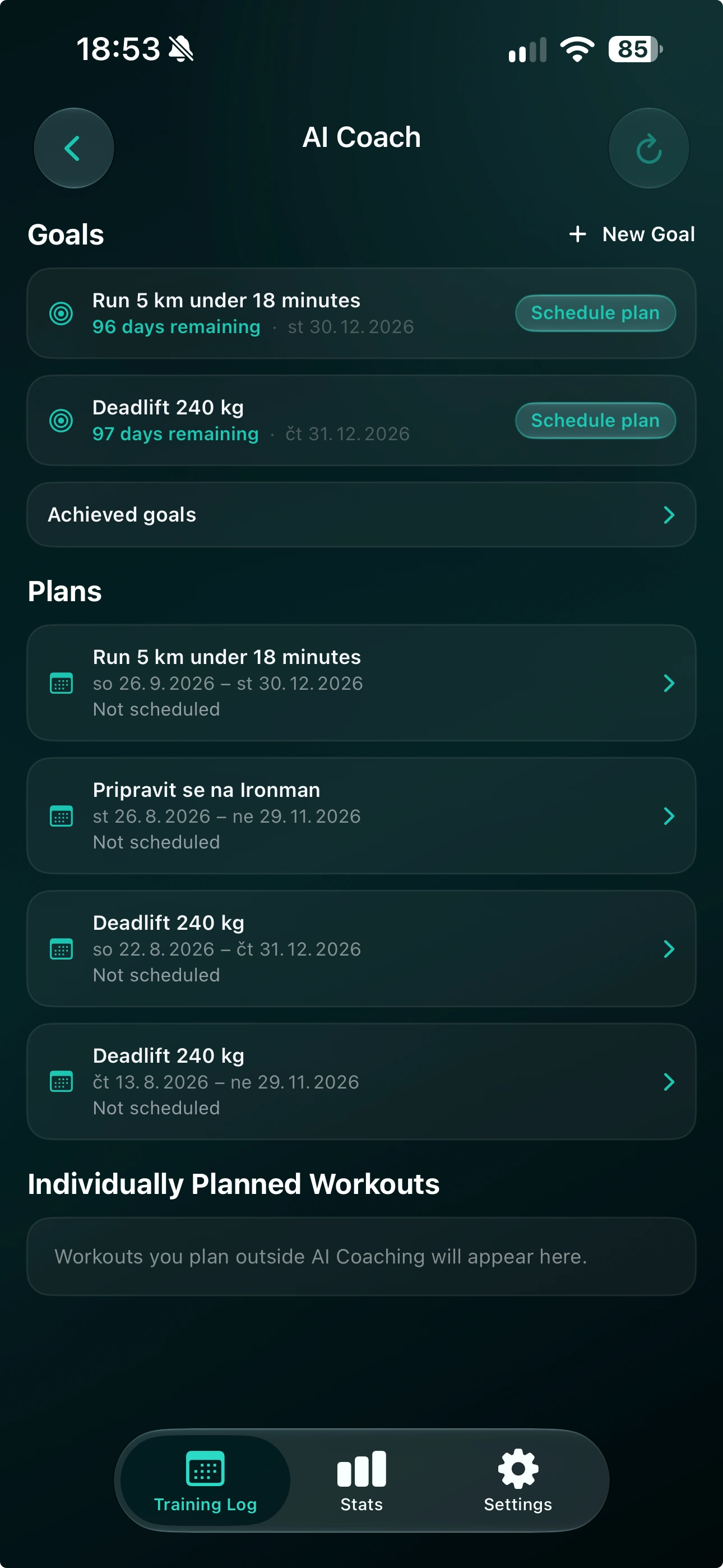
From a faster 5K to a stronger deadlift. Your next move, made personal. With Premium.
Privacy, with you in control.
Know what stays on your phone.
Choose what goes beyond it.
Apple Health or Health Connect remains the source of your health records. Zone keeps a local copy for on-device training analysis. You can review or change Health permissions in your phone’s settings. Some settings on iOS also sync through your private iCloud.
Connecting an account syncs a workout copy for web access and moving between platforms. Cloud media also uses servers. You can use the core mobile training log without connecting an account.
AI is optional. After your consent, requested AI features send relevant training context to our servers and AI providers. You can revoke AI consent in Settings. Your health data is not used for advertising, and we do not sell your personal data.
Request deletion of your server data in Settings, including synced workouts, coaching, AI data, and cloud media. Cleanup continues in the background, and server features pause on that device to prevent automatic uploads. Your local log and health-app records stay with you. Your account and purchase entitlements are kept.
Essential security and purchase records are stored on our servers. Technical warning and error logs exclude health records and are kept for 30 days.
Explore our privacy policyFor iOS and Android
Start your training log free.
Go further with Premium.


